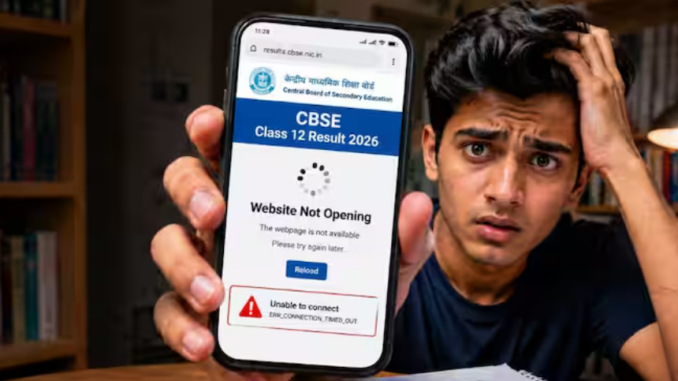
NewDelhi: CBSE class 12 result 2026: Millions of Class 12 students across India are trying to check their CBSE results today on cbse.gov.in and results.cbse.nic.in, and millions of those students sometimes face a loading screen that never ends. The reason for this is simple: over 18 lakh students visit the same servers at the same moment. If the CBSE result website is not opening on your smartphone, stop refreshing. Here are five tips that could help you check your results faster:
CBSE class 12 result 2026: Clear your browser cache first
Most students never clear their phone’s browser cache. On result day, that old stored data is exactly what causes pages to freeze or show an error. On Chrome for Android, tap the three dots in the top-right corner, go to Settings, then Privacy, and tap “Clear browsing data.” Tick cached images and files, then hit clear. It just takes 20 seconds. Try the website again immediately after.
CBSE class 12 result 2026: Switch from Wi-Fi to mobile data
Home Wi-Fi networks slow down when multiple people share them. But on result day, mobile data — especially 4G and 5G — often loads government sites faster because it routes differently. Simply turn off Wi-Fi on your phone and switch to your mobile data connection. Many students on social media claim this single change loads the result page within seconds when nothing else works.
CBSE class 12 result 2026: DigiLocker app –The best backup on CBSE result day
If the CBSE website is still not opening, stop struggling with it. Download the DigiLocker app directly from the Google Play Store or Apple App Store. Log in using your mobile number linked to Aadhaar, search for CBSE under “Issued Documents,” and your official digital marksheet will appear there — no website needed. CBSE’s digital marksheet on DigiLocker is legally valid for college admissions, so this is not a workaround. It is the smarter route.
CBSE class 12 result 2026: Try a different browser or use CBSE SMS service
If Chrome is slow, switch to Firefox or Brave. A different browser uses a separate cache and often connects faster. Still stuck? Use CBSE’s SMS service. Send your roll number to 7738299899, and your result will arrive as a text message. This works even on slow 2G connections and costs nothing extra beyond a standard SMS charge.
One last tip: the best time to check without traffic jams is either early morning right when results drop or after 3 PM when the peak rush settles. Save the DigiLocker app now before you need it on CBSE class 12 result day.
Leave a Reply